 NounDesk
The dashboard
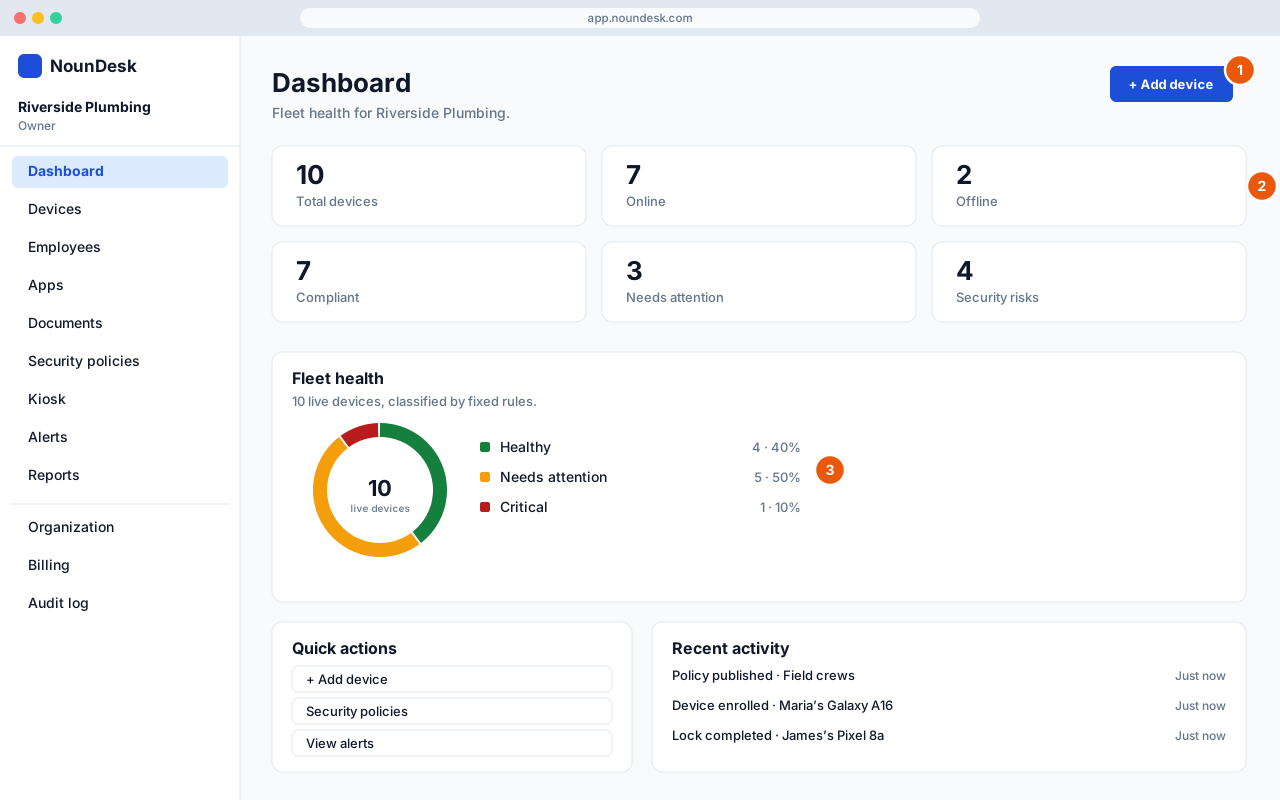
Who: all roles.
- Add device starts enrolling a new phone or tablet (see Add devices).
- The tiles show Total devices, Online, Offline, Compliant, Needs attention, Security risks, open alerts and devices waiting to enroll. Select a tile to open the matching list.
- Fleet health sorts every live device into Healthy, Needs attention or Critical. Select a label in the chart to see those devices. How these are calculated explains the rules.