 NounDesk
Device trust
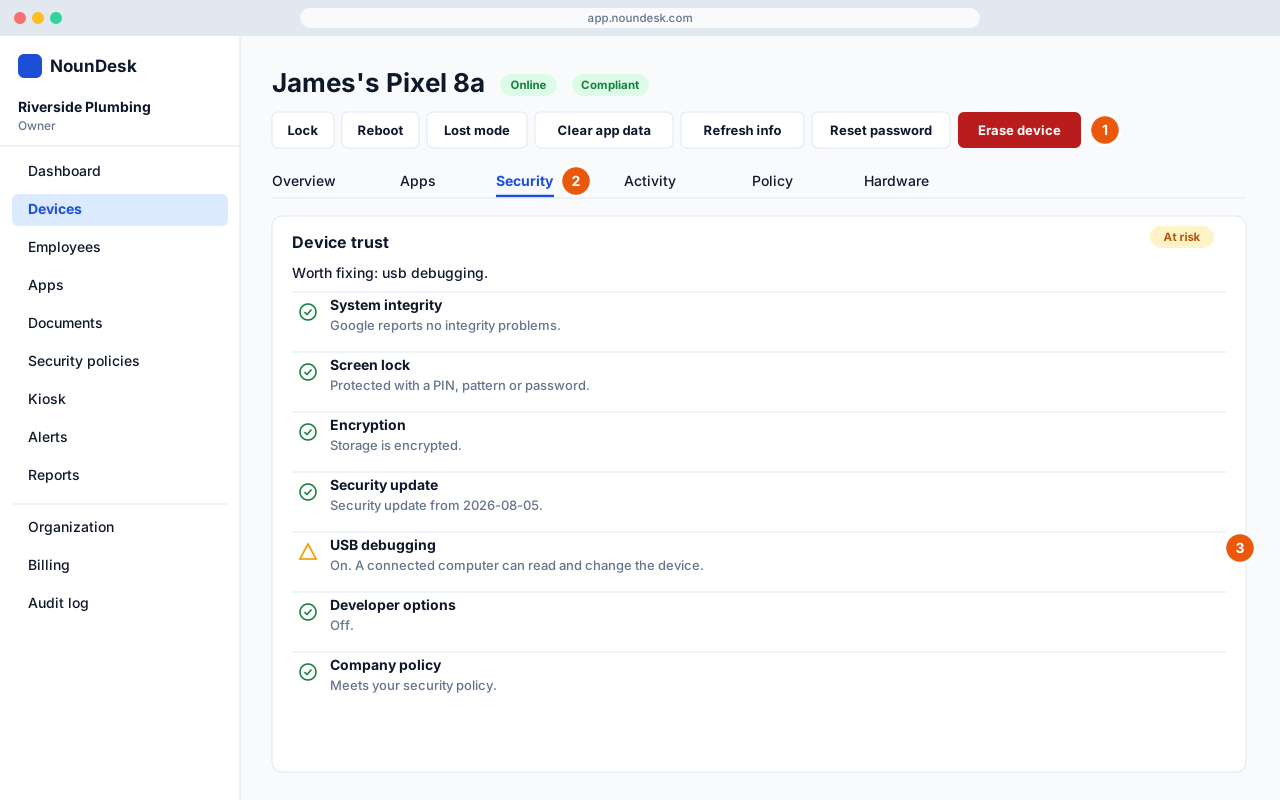
Who: all roles.
- Open a device. The action buttons are along the top (see Remote actions).
- Select the Security tab.
- Device trust rates the device Trusted, At risk, Not trusted
or Not reported yet, and lists 10 checks with a plain-English reason for
each:
- System integrity (Google’s check for rooted or modified software)
- Screen lock
- Encryption
- Security update age (warns after 90 days)
- Google Play Protect
- Apps from unknown sources
- USB debugging
- Developer options
- Company policy
- Last check-in
Trust also appears as a column in the devices list, and the Reports page charts it across the fleet.
A device in lost mode is always Not trusted. Newly enrolled devices show Not reported yet until their first security report arrives.